
Google Review Widget for Contractor Websites: How It Works
TL;DR: A Google review widget pulls your live Google Business Profile reviews onto your contractor website, so the reviews stay current and visitors can check them. It helps people who are already on your site decide to call you, but Google won’t show search-result stars for reviews you display about your own business. Your reviews also have to follow the FTC’s 2024 rule on consumer reviews.
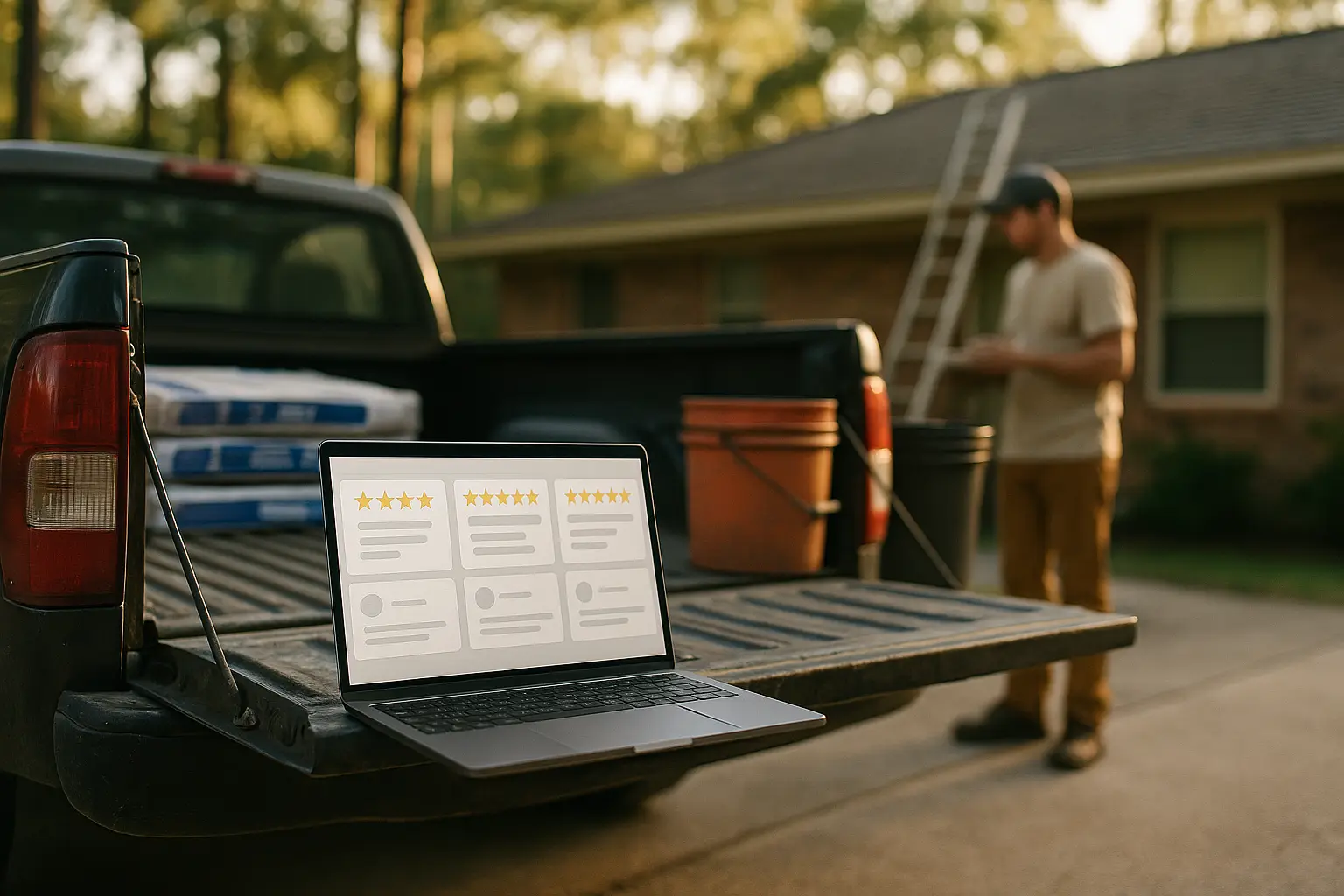
A Google review widget for contractor websites is a small block of code that pulls your live Google Business Profile reviews onto your site. New reviews show up on their own, so nobody has to copy and paste them. The widget helps you earn trust from buyers who land on your site. It will not add star ratings to your listing in Google search results.
Below we cover how the widget works, where it helps, where it falls short and which rules apply to the reviews you show.
What is a Google review widget, and how does it work?
A review widget is a display tool that connects your website to your Google Business Profile. When someone loads the page, the widget shows your star rating, your review count and recent reviews. Each review shows the reviewer’s name and links back to Google.
Most widgets get reviews from Google in one of two ways:
- Google’s Places API. This works for any business listed on Google Maps. Google’s developer documentation says a place can return up to five reviews, so you get a short, rotating feed, not your full history.
- A connection to your own Business Profile account. Tools you sign in to with your profile can usually pull more of your review history.
Either way, the reviews still live on Google. The widget only displays them. If a customer edits or deletes a review on Google, the widget should show that change the next time it refreshes.
Why show Google reviews on your site if buyers can see them on Google?
Many of your leads never see your Google profile before they reach your site. Someone who clicks a paid ad, a Facebook ad or an organic search result lands on your website first. If that page has no proof, they have to leave to find it, and some won’t come back.
Reviews also carry more weight when the purchase is expensive. Research from Northwestern’s Medill Spiegel Research Center found that showing reviews raised conversion rates by 190% for a lower-priced product and 380% for a higher-priced one. That study looked at online retail, not contracting. Still, the pattern fits trade work, where most jobs are big purchases people don’t make often.
The Houston market adds pressure. After a hailstorm or a hurricane, homeowners in Katy or Sugar Land may compare several companies they have never heard of in one afternoon. A page with fresh reviews from real, named customers answers their first question: has anyone around here hired you and been happy?
What are the pros and cons of a review widget?
For most contractors, the pros outweigh the cons. That only holds if you keep getting new reviews.
Pros
- Stays current on its own. New reviews appear without staff time.
- Visitors can check it. Each review links back to Google. That makes it more believable than a typed quote.
- Supports paid traffic. Clicks from Google Ads campaigns for roofing contractors and other trades land on proof, not just a form.
- Shows you’re active. Recent dates tell buyers you’re working this season.
Cons
- It only shows what you have. A few old reviews can look worse on display than no widget at all.
- Limited control. With some setups, Google picks which reviews come back.
- Can slow the page. A badly installed script can delay loading on phones.
- No search stars. More on this below.
Which way of showing reviews works best?
A live widget beats the other common options on freshness and trust. Here’s how they compare:
| Method | Stays current | Visitors can verify | Upkeep | Main drawback |
|---|---|---|---|---|
| Live Google review widget | Yes, automatically | Yes, links to Google | Low after setup | Only shows what Google returns |
| Typed testimonials | No | No | Manual every time | Easy to doubt, goes stale |
| Screenshots of reviews | No | Not easily | Manual every time | Hard to read on phones, ages fast |
| Link to your Google profile only | Yes | Yes | None | Sends visitors off your site |
Where should the widget go?
Put it where buyers make up their minds. On most contractor sites, that means:
- The homepage, near the top, just below your main call button.
- Each service page, with reviews that mention that service when possible.
- The estimate or contact page, right next to the form.
- Landing pages for paid ads.
Ask your web team to load the widget after the main content so the page still shows up fast on a phone.
Will a review widget give you star ratings in Google search?
No. Google’s review snippet guidelines say a business that controls reviews about itself is not eligible for star ratings in search results. Google gives an embedded Google Business reviews widget as an example.
Google made this change in 2019. Treat the widget as a tool to convert people already on your site, not as a way to rank higher. Your stars show in Google Maps and the local results through your Business Profile, which is why Google Business Profile optimization for contractors still matters.
What rules apply to the reviews you display?
The main rule is honesty. The Federal Trade Commission’s final rule on reviews and testimonials bans fake reviews and lets the agency seek civil penalties. It took effect October 21, 2024. It also bans paying or rewarding customers for reviews that have to say something positive or negative.
Two parts of the rule matter most for a widget:
- Filtering. Many widgets let you hide anything under four stars. Under the rule, a business can’t present a hand-picked set of reviews as if it were most or all of its reviews. If you filter, don’t label the feed as all your reviews, and link to your full Google profile.
- Insider reviews. Reviews from employees or family members need that connection clearly disclosed.
This is general information, not legal advice. Check with your attorney about your situation.
The best answer to filtering is more real reviews. Our guide on getting more Google reviews without begging or bribing lays out a simple way to ask after every job.
How does Results Digital handle reviews for clients?
Reviews are part of the standard setup, not an add-on.
- Results Digital installs a live Google review widget on every website and SEO client site.
- Review requests and review responses are automated.
- We have marketed contractors and trades since 2015.
- We are a Google Partner.
- We are veteran-owned by a U.S. Marine.
- SEO and Google Ads clients work month to month, with no long-term contract and a 30-day money-back guarantee on the first month.
- For SEO and Google Ads, we take one contractor per trade per market, so once you’re in, your competitors can’t hire us.
- We are based in Houston, and most of our clients are in Houston and Orlando.
Want to see how your reviews would look on your site? Call (832) 850-2641 or schedule a consultation.
Frequently Asked Questions
How many Google reviews should a contractor have before adding a review widget?
There is no official minimum. Spiegel Research Center found the biggest jump in purchase likelihood came from the first five reviews, with gains slowing after that. A handful of recent, detailed reviews works better than a long list of old ones.
Does a review widget slow down a contractor website?
It can if the script loads before the rest of the page. A well-installed widget loads after the main content, so the page still shows up quickly on a phone.
Is it allowed to display Google reviews on your own website?
Yes, through Google’s official tools, as long as the display follows Google’s attribution rules. That includes crediting the reviewer and linking back to the original review.
Should a contractor reply to Google reviews before featuring them?
Replying is a good habit either way. A calm, specific reply to a negative review shows future buyers how you handle problems, and that matters as much as the five-star reviews.
Recommended Reads
- How Contractors Can Get More Google Reviews Without Begging or Bribing
- Google Ads PPC for General Contractors: Drive High-Budget Leads | Results Digital
- Google Ads for Roofing Contractors: How to Run Campaigns That Book Jobs