
Results-DrivenDigital Marketing Agency in Houston, TX

Roofer Website Designs
Table of Contents
Essential Elements of Roofer Website Designs
Building on the importance of online visibility for roofing businesses, effective roofing website design plays a pivotal role in capturing leads from local searches. At Results Digital, with over a decade of experience helping contractors establish strong digital presences, we emphasize intuitive navigation and mobile responsiveness in Roofer Website Designs to ensure seamless user experiences across devices.
The U.S. Small Business Administration recommends five essential pages for small business websites to drive engagement and conversions. These foundational elements, adapted for roofing companies, include:
- Home Page: A compelling entry point showcasing services like shingle replacement and featuring high-quality images of roof installations to make a strong first impression.
- About Page: Builds trust by highlighting company history, team expertise, and our commitment to excellence in every project.
- Services Page: Details specific offerings such as leak repairs and full roof replacements, optimized for search with clear descriptions and calls-to-action for free estimates.
- Contact Page: Facilitates easy submissions via forms, phone integration, and booking calendars to convert visitors into clients.
- Testimonials Page: Features client reviews with photos of completed projects, enhancing credibility.
When considering implementation, hiring a web developer offers pros like custom SEO and integration for complex galleries of before-and-after roofing images, as practical guidance from the U.S. Small Business Administration highlights for small businesses. In contrast, DIY builders may limit customization, though they suit simpler needs.
Incorporate visuals strategically, such as CTAs linking to estimates on every page, to boost lead generation.
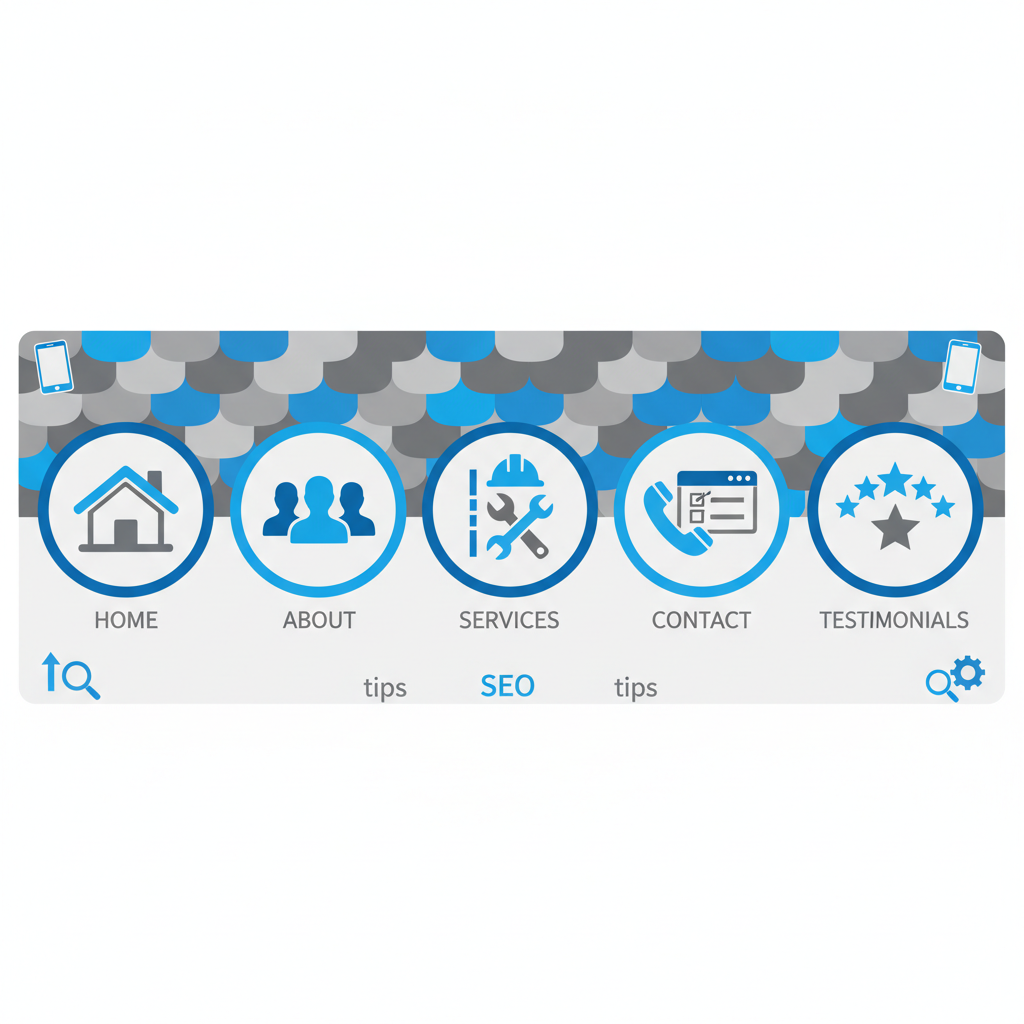
Essential components of effective roofer website designs in a clean infographic.
These elements in roofing website templates and examples transform visitors into booked jobs. Once in place, optimizing for search becomes the next step.
Results Digital Service Pro Website
Results Digital’s Pro Website service offers customized Roofer Website Designs for roofing businesses, showcasing portfolios and generating inquiries through roofing website templates and examples. Our website design services for roofers incorporate BBB-recommended upgrades: mobile responsiveness for on-site quoting, fast loading for quick info access, simple navigation to services, compelling content with local case studies, and prominent ‘Get a Free Quote’ calls-to-action. These enhancements boost conversions and integrate with SEO for lasting leads.
Wix ADI for Roofing
Building on Wix’s core features, ADI takes automation further for Roofer Website Designs. Wix ADI, an AI-powered tool, generates tailored sites based on your roofing business inputs and preferences.
Start by entering details like services and style; select roofing-specific themes. AI auto-creates layouts with galleries, testimonials, and contact forms. As an intuitive Roofing Website Builder, it offers mobile-responsive designs, scheduling integrations, and SEO for local leads–ideal per U.S. Small Business Administration guidance on affordable DIY options.
For example, ADI incorporates roofing website templates with before-and-after images. Try Wix ADI today for quick, professional results. Once generated, refine your ADI site with these advanced tweaks.
WordPress with Astra Pro
For effective roofer website designs, we recommend WordPress paired with Astra Pro, a lightweight, fast-loading theme optimized for small businesses.
Astra Pro’s starter roofing website templates enable quick launches. Install WordPress, activate Astra Pro, then import a roofing-specific template: adjust via intuitive tools. As a user-friendly Website Builder For Roofing Company, it simplifies customization like header builders for showcasing roof repairs.
Per U.S. Small Business Administration guidance, integrate essential pages–Home, About, Services, Blog, Contact–for seamless navigation. Its SEO-friendly, mobile-responsive structure optimizes roofing project images, boosting performance and user engagement.
Squarespace Version 7.1
Building on Version 7.0, Squarespace 7.1 released in 2020 introduces the Fluid Engine for enhanced roofer website designs. This drag-and-drop tool allows intuitive homepage customization, stacking sections to showcase roofing services like installations and repairs without coding.
Enhance your roofing company web design using Fluid Engine for seamless layouts. Its mobile-responsive editing ensures roofing website examples display perfectly on smartphones, with quick adjustments to contact forms and galleries. According to the U.S. Small Business Administration, clear navigation and compelling visuals–adapted via 7.1’s styling options like CSS controls and earthy color palettes–boost usability for professional roofer websites.
These features, including third-party SEO integrations, make 7.1 ideal for exploring roofing website templates next.
Webflow CMS for Roofers
Building on Webflow’s foundational tools, our CMS empowers roofers to create dynamic Roofer Website Designs without coding. Manage service listings like shingle types or repairs through an intuitive dashboard.
Upload before-and-after photos into collections that auto-generate portfolios, enabling professional roofing web design. Use roofing website templates for service pages and draw from roofing website examples for authentic showcases. Structure content with keywords to boost local SEO for emergency roof repairs.
Embed forms on CMS pages to capture quote inquiries, fostering leads. As advised by the Better Business Bureau, clear services and testimonials build trust–we simplify this. Scale collections as your firm grows, paving the way for seamless implementation.
Divi 4.0 Builder
Building on general website tools, Divi 4.0 Builder offers advanced visual customization for Roofer Website Designs. Its drag-and-drop interface lets roofing business owners quickly assemble service showcases without coding. We appreciate how real-time previews allow designing elements like contact forms for inquiries on the fly.
Divi integrates seamlessly with essential pages–Home, About, Services, Contact, and Blog–tailored for roofing companies, as recommended by U.S. Small Business Administration guidelines. Mobile-responsive features ensure designs display perfectly on client devices, while roofing website templates adapt easily. For instance, use modules to add project galleries, creating compelling roofing website examples.
Non-technical users in roofing launch professional sites efficiently. Explore Divi today to elevate your online presence.
Elementor Pro
Building on the free version’s foundations, Elementor Pro unlocks premium tools tailored for roofer website designs. It offers key upgrades like premium widgets for roofing-specific elements, such as before-and-after galleries to showcase transformations.
- Theme Builder: We use this to craft tailored headers and footers highlighting roofing services with dynamic content from WordPress posts, adapting roofing website templates effectively.
- Popup Builder: Ideal for lead capture forms targeting roofing inquiries, with A/B testing to optimize engagement.
- Advanced Forms: Embed quote calculators featuring conditional logic for material options like asphalt shingles or metal roofing.
These capabilities boost SEO through custom CSS for schema markup, improving local search rankings for roofer website designs and paving the way for seamless integration and launch of your roofing site.
Beaver Builder
Building on versatile tools, Beaver Builder offers specialized ease for Roofer Website Designs. This drag-and-drop WordPress plugin lets roofing businesses create customizable sites with pre-built modules for headers, footers, and services pages. It integrates seamlessly with themes tailored for contractors.
We recommend Beaver Builder for quick customization of roofing website templates, like adding photo galleries of installations or lead-generating contact forms. Its mobile-responsive designs and fast-loading pages align with Better Business Bureau advice on upgrades that boost sales conversions. Explore roofing website examples to see non-technical roofers succeeding effortlessly.
Once set up, explore advanced customizations to enhance your online presence and drive more leads.
Brizy Builder
Among popular DIY options, Brizy Builder stands out for its simplicity. This drag-and-drop WordPress plugin lets non-technical users craft professional Roofer Website Designs for roofing businesses.
Key features include pre-designed blocks, responsive templates, and WooCommerce integration for roofing service showcases using roofing website templates. Benefits for roofing companies encompass quick setups of roofing website examples without coding, cost savings versus developers, and customization for roofer website designs, per U.S. Small Business Administration guidance on small business options.
Limitations involve WordPress hosting dependency and potential premium add-ons. Ideal for small roofers seeking roofing website templates, while Brizy offers quick wins, advanced needs may require exploring other tools.
Thrive Architect
Building on digital strategies, Thrive Architect streamlines website development for roofing businesses. We simplify Roofer Website Designs by integrating proven essentials, as advised by the Better Business Bureau, to help roofers thrive online.
Our tool features clear contact information in the header for easy access. It includes a dedicated services page showcasing specialties like shingle replacement and inspections. Customer testimonials build trust effectively.
Using roofing website templates, we deliver mobile-responsive designs and roofing website examples that boost leads through on-site inquiries.
Comparing Top Roofer Website Design Tools
Building on the need for a strong online presence, this comparison of top Roofer Website Designs prioritizes tools with robust mobile optimization, built-in SEO for local roofing searches, affordable pricing under $100 per month or year, and ease of use for non-technical users. As per U.S. Small Business Administration guidance on DIY builders versus custom development and Better Business Bureau tips for sales-driving upgrades, these criteria help roofing contractors select options that enhance lead generation without complexity.
The following table summarizes key attributes of the reviewed tools to help roofing contractors select the best fit for lead generation and mobile optimization.
ToolEase of UseCustomization LevelStarting PriceMobile ResponsivenessSEO IntegrationBest For
| Service Pro | Very easy for beginners | Full custom with AI | $99/month | Built-in | Advanced local SEO | Lead-focused roofing pros |
| Wix ADI | Extremely user-friendly | Moderate templates | $16/month | Automatic | Basic tools | Quick DIY sites |
| Astra Pro | Easy with plugins | High | $59/year | Fully responsive | Optimized | Flexible contractors |
| Squarespace 7.1 | Intuitive | Good templates | $16/month | Native | Strong basics | Visual portfolios |
| Webflow CMS | Learning curve | Excellent | $14/month | Custom | Advanced | Advanced users |
| Divi 4.0 | User-friendly | Very high | $89/year | Built-in | Compatible | Design-focused |
| Elementor Pro | Very easy | Extensive | $59/year | Responsive editing | Good plugins | Conversion pages |
| Beaver Builder | Moderate | High | $99/year | Supported | Standard | WordPress users |
| Brizy Builder | Simple | Good | $49/year | Automatic | Basic | Fast builds |
| Thrive Architect | Easy | Focused | $99/year | Optimized | Conversion-oriented | Lead gen |
Data derived from official tool websites and SBA/BBB guidelines on website best practices
Pricing as of 2024; features based on standard offerings for service businesses
This comparison reveals budget-friendly options like Wix ADI and Squarespace 7.1, perfect for beginners leveraging roofing website templates for quick setups. Advanced customization shines in Webflow CMS and Divi 4.0, ideal for design-savvy roofers seeking flexibility. Service Pro stands out with advanced SEO integration, aligning with Better Business Bureau recommendations for search optimization to drive sales and leads. Roofing contractors can choose based on needs: fast builds with Brizy or conversion optimization via Thrive Architect and Elementor Pro. For roofing website examples, these tools enable compelling visual portfolios that boost online inquiries. Once selected, these tools can be customized further. See how in the following guide.
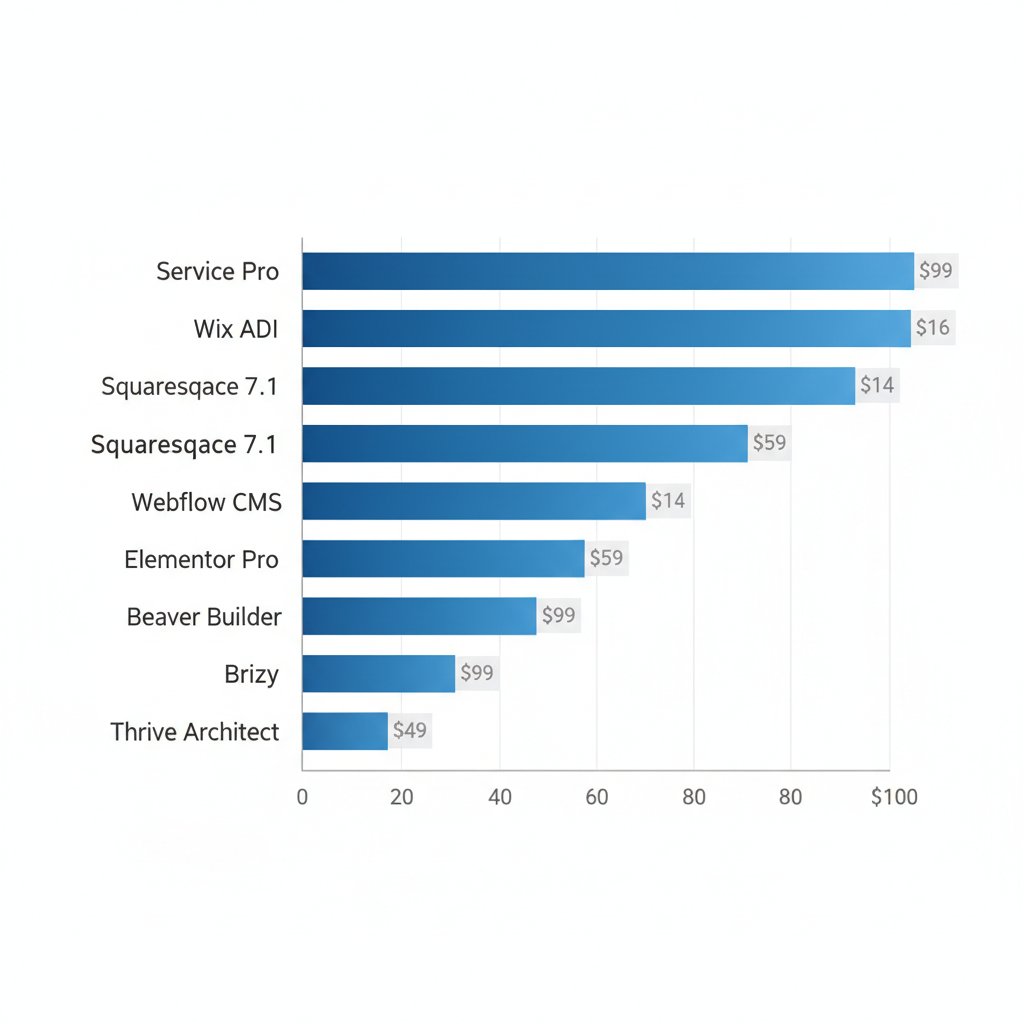
Comparison of starting prices for top roofer website design tools in 2024
These pricing insights underscore affordable entry points, allowing roofers to invest in tools that match their budget while prioritizing mobile and SEO features for sustained growth.
Selecting the Ideal Tool for Your Roofing Website
Once you’ve decided to invest in a roofing website, the next step is choosing the right tool to build effective Roofer Website Designs that capture leads and showcase your expertise. The ideal platform balances simplicity with powerful features tailored to the roofing industry, ensuring your site engages visitors and supports business growth.
Consider these key criteria when selecting a website tool:
- Ease of use: Opt for intuitive drag-and-drop builders like Wix or Squarespace, ideal for non-technical roofing business owners, allowing quick updates for seasonal promotions.
- Industry-specific features: Look for integration with photo galleries to display before-and-after projects and mobile responsiveness for on-site quote requests.
- Homepage optimization: Include clear calls-to-action for free estimates, easy navigation to services, and trust signals like certifications. According to the Small Business Administration, such elements improve user engagement for small business sites. The Better Business Bureau highlights the value of contact details and testimonials in building credibility for service providers.
Popular categories include ready-made roofing website templates for fast setup, versus custom development for unique needs. Review roofing website examples of successful sites that integrate SEO for local keywords, fast-loading portfolios, and analytics to monitor visitor behavior from searches. Avoid overly complex tools requiring coding; prioritize affordable, scalable options that fit your budget.
By evaluating these factors, you’ll select a tool that enhances your online presence. With the ideal tool in place, focus next on crafting compelling content to attract more clients.
This article was researched and written with the assistance of AI tools.
Resources


Results Digital's Online Marketing Services
Our CoreServices
Website Design Services
Elevate Your Local Business with a Custom, High-Converting Website — All for One Simple Monthly Payment.
SEO Services
Get Found by the Right Customers — We Optimize Your Website to Rank, Reach, and Convert.
Google Ads Management
Get More Leads, Faster — We Run High-Converting, Cost-Efficient Google Ads That Drive Real Results.

Our Certifications
Why Hire Results Digital
At Results Digital, we earn your business month after month — no long-term contracts, no excuses.
- Custom strategies tailored to your goals and budget
- Real reporting on metrics that matter — leads, not vanity clicks
- Ongoing training to stay ahead of search trends and deliver stronger results
- Veteran-owned and built on discipline, integrity, and accountability
We don’t settle for “good enough.” We aim for excellence — every client, every time.



Best Search Engine Marketing Agency Houston, Tx
Why WorkWith Us?

Focused on Local Business Growth
We specialize in lead generation for local service businesses — not everything for everyone. Our SEO and Google Ads strategies are built to get you more calls, more leads, and more customers.

No Contracts, Just Results
We believe in earning your trust — not locking you into long-term commitments. You stay because it works.

Transparent, Real Reporting
Track real results, not vanity metrics. Our reporting shows exactly how your marketing is driving growth.

You Own Everything
From SEO to ad campaigns, everything we build is 100% yours — always.